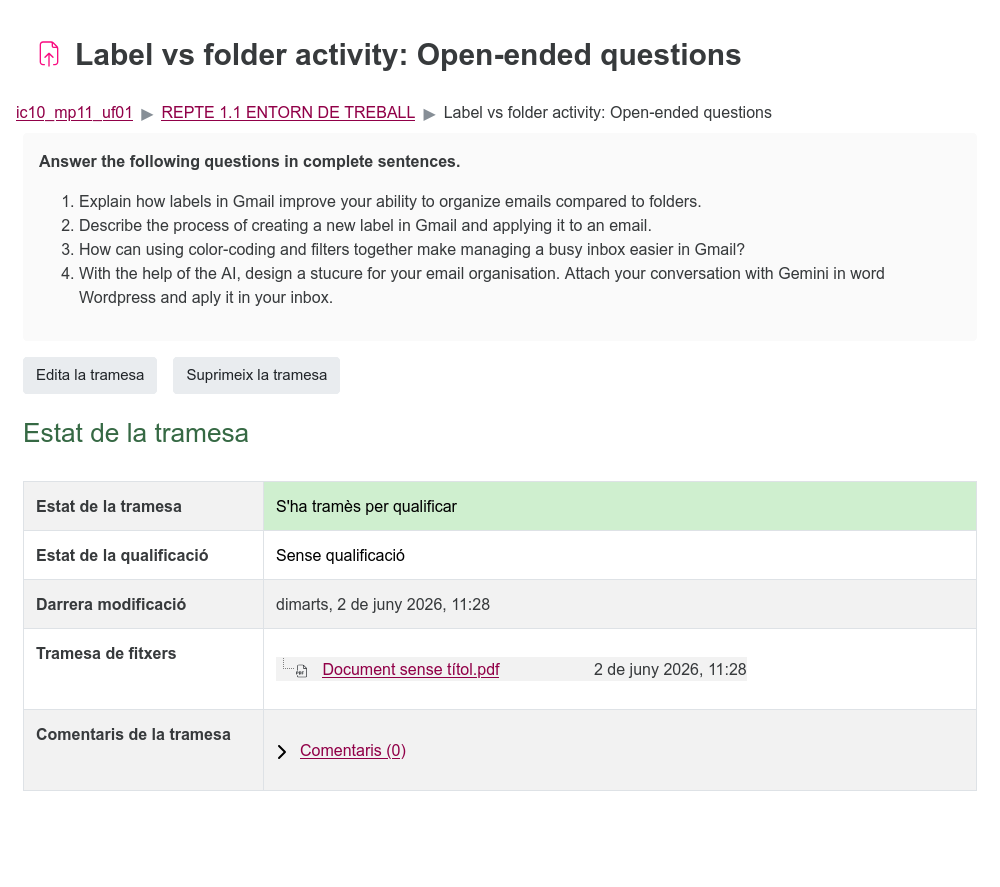
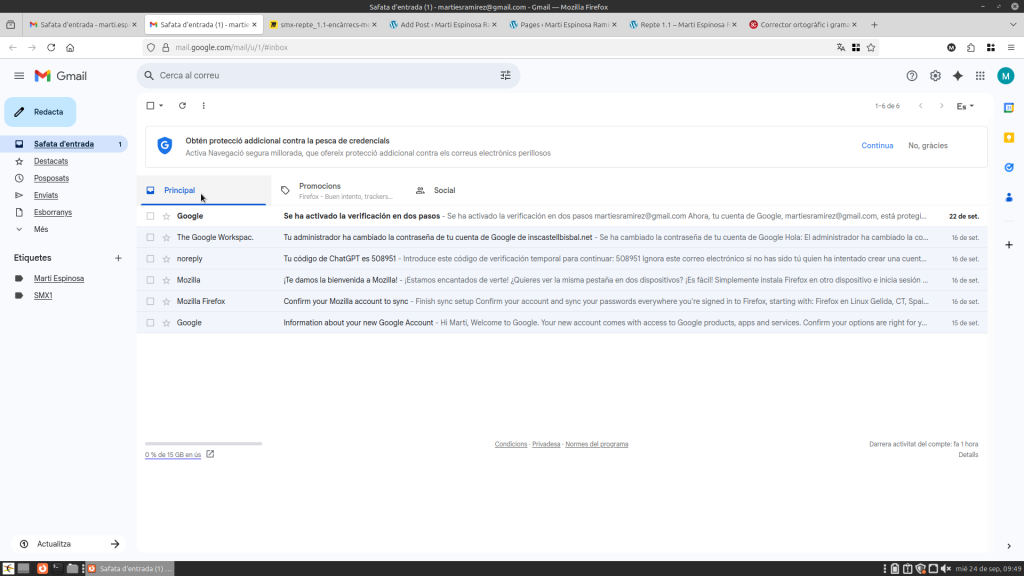
Labels help you classify and find your emails easily, allowing you to assign multiple names to a single message to keep your inbox fully organized. To create labels, there is a section on the left side of the inbox labeled ‘Labels’ with a ‘+’ icon. By clicking it, you can enter the label name and choose the options for where you want the label to appear.
Tasques del moodel:
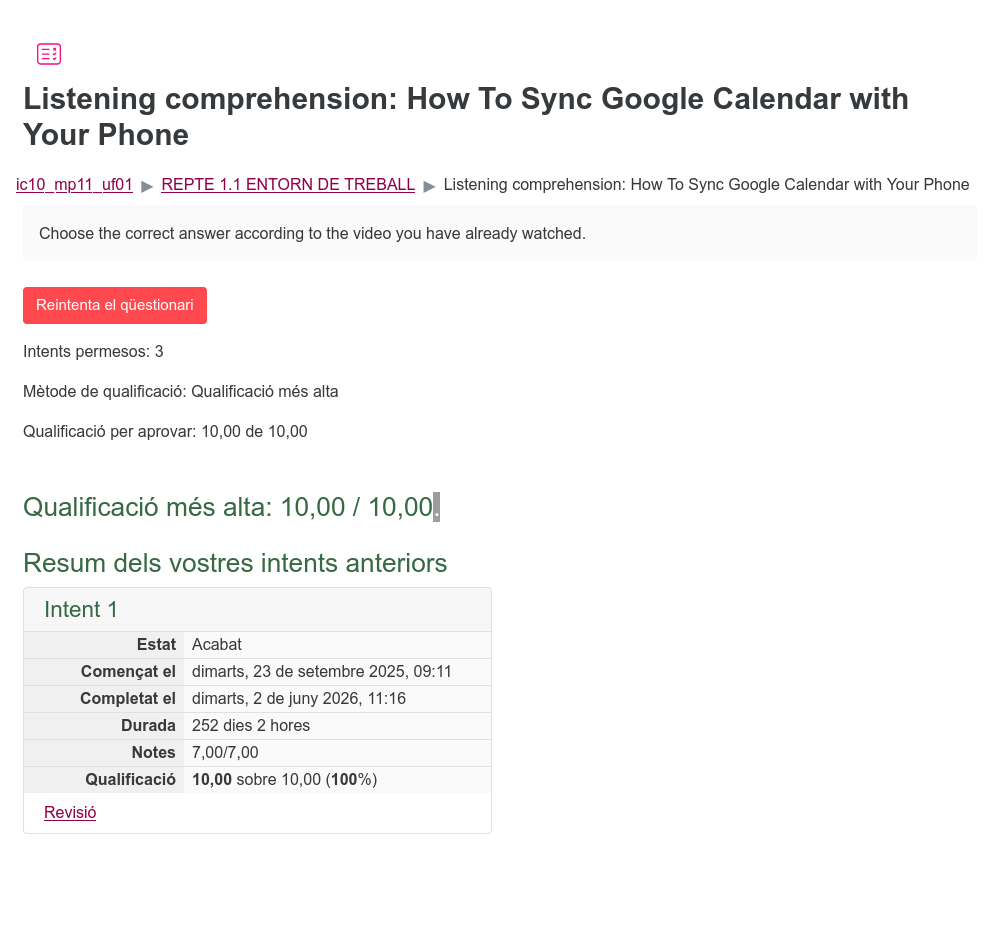
Listening comprehension: How To Sync Google Calendar with Your Phone
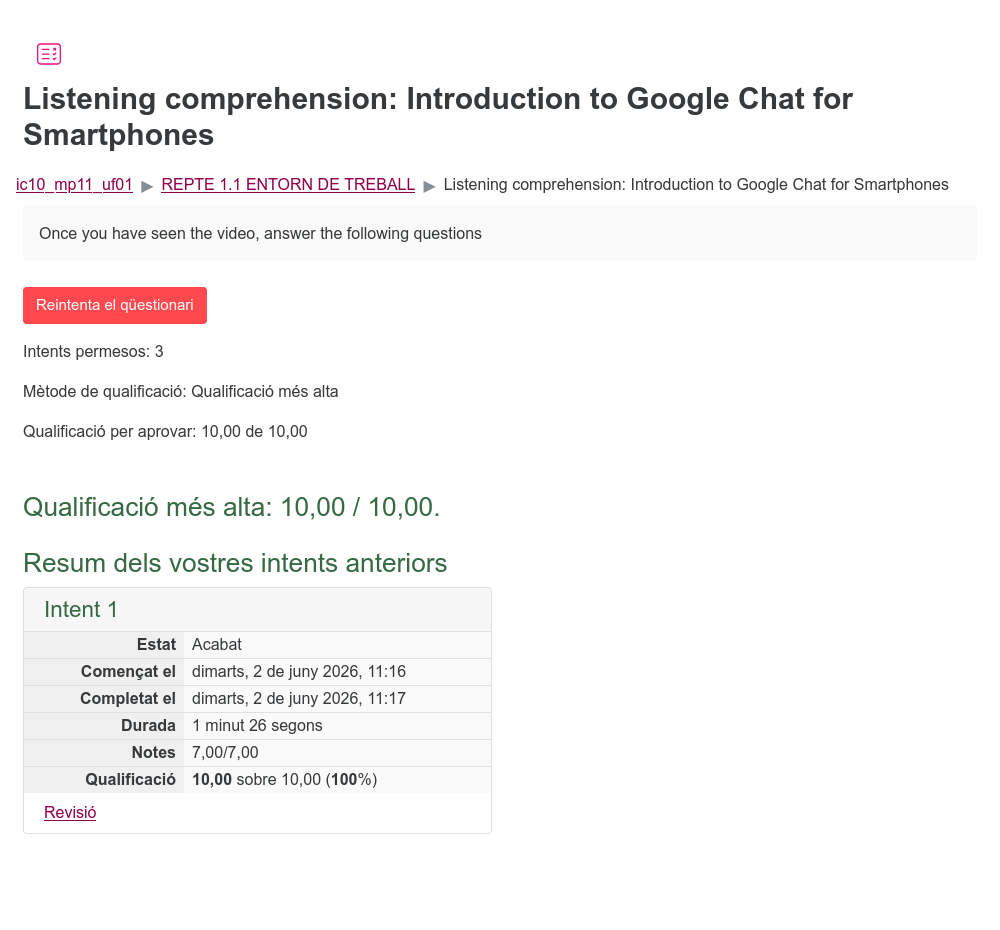
Listening comprehension: Introduction to Google Chat for Smartphones
Label vs folder activity: fill in the gaps
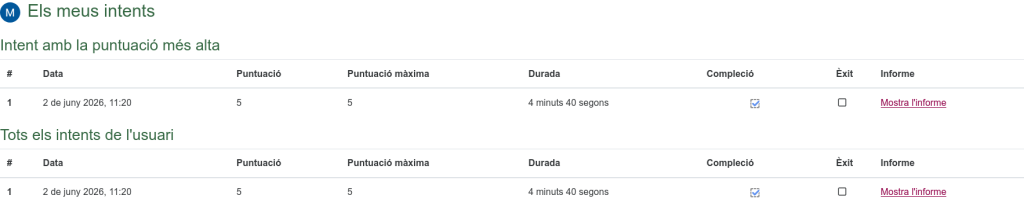
Label vs folder activity: Open-ended questions